WordPress Block Plugin
Shape Werkz
Give your WordPress buttons real shape. Slants, points, notches, tickets and more on each side, borders that follow every angle, five states and gradients that fade. All of it set in one Designer popup, right in the block editor.
Scroll
16
Edge Shapes
5
Button States
8
Icon Libraries
GPL
Licensed & Open
What’s Included
Every shape your buttons need
Shape Werkz works on the core Button block. No new blocks and no page builder. Turn it off and your buttons stay normal buttons with their colors.
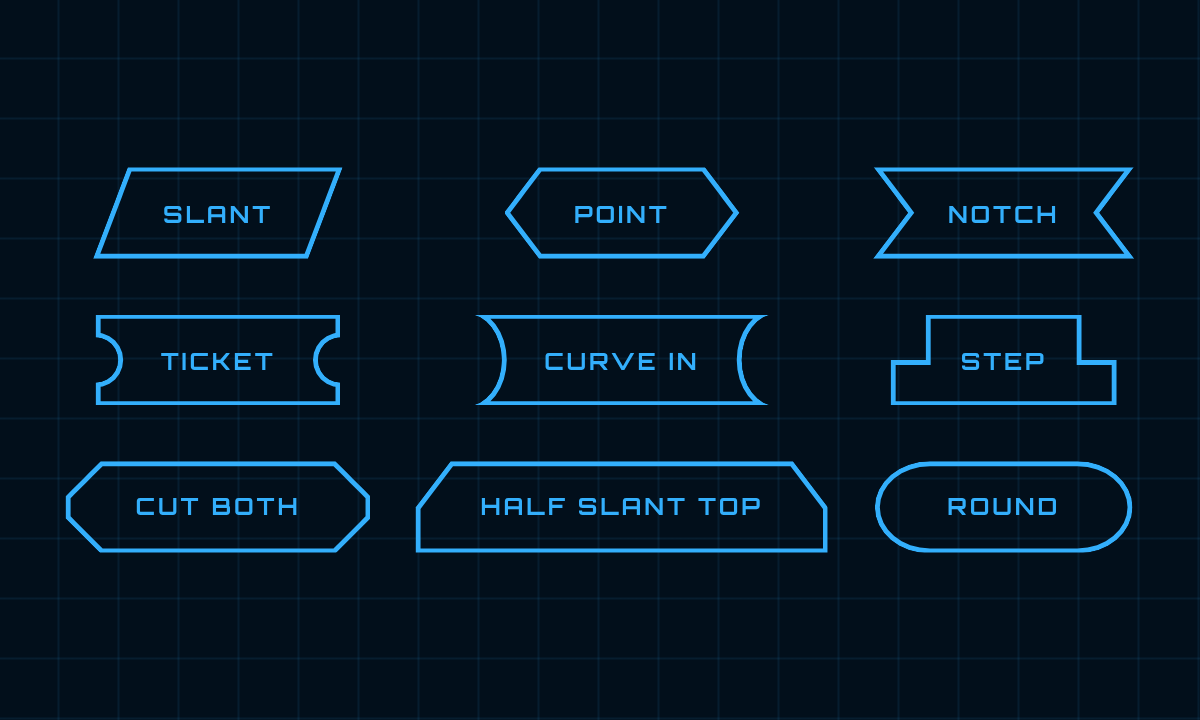
16 Edge Shapes
Slant, point, notch, ticket, curve, step and more. Pick the left and right edges separately and set a size for each.
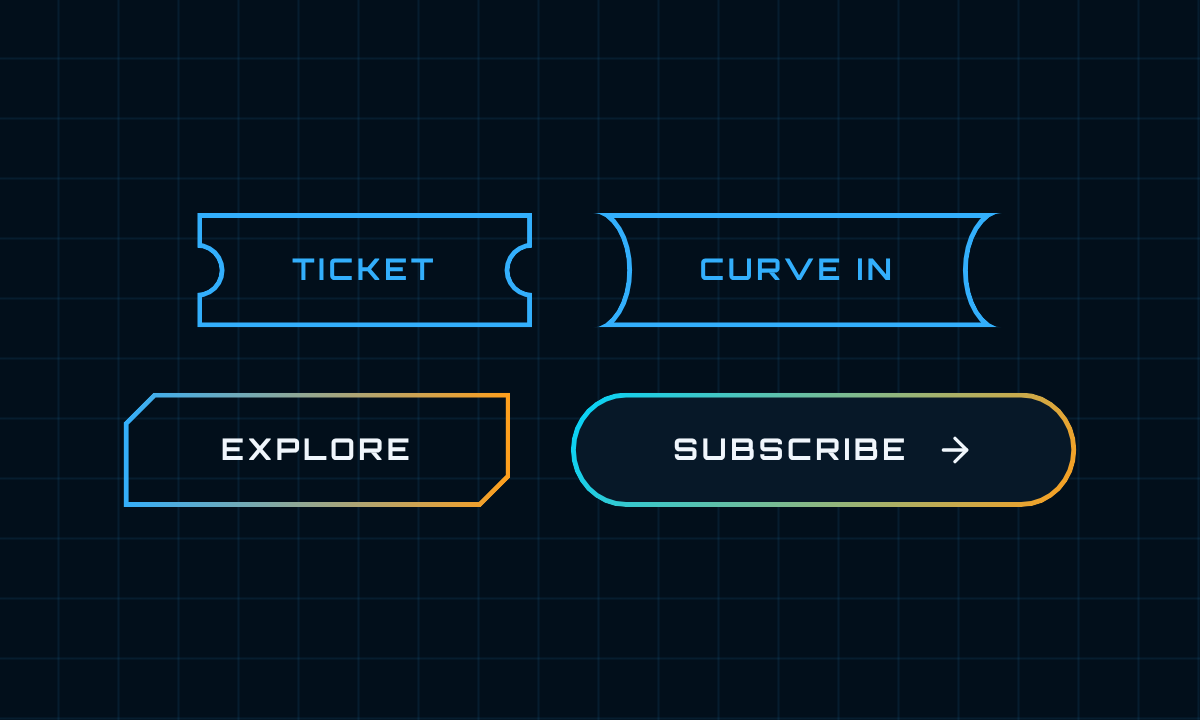
Borders That Follow
Borders trace every angle and curve of the shape, with per-side colors, dashed or dotted lines, and gradient borders.
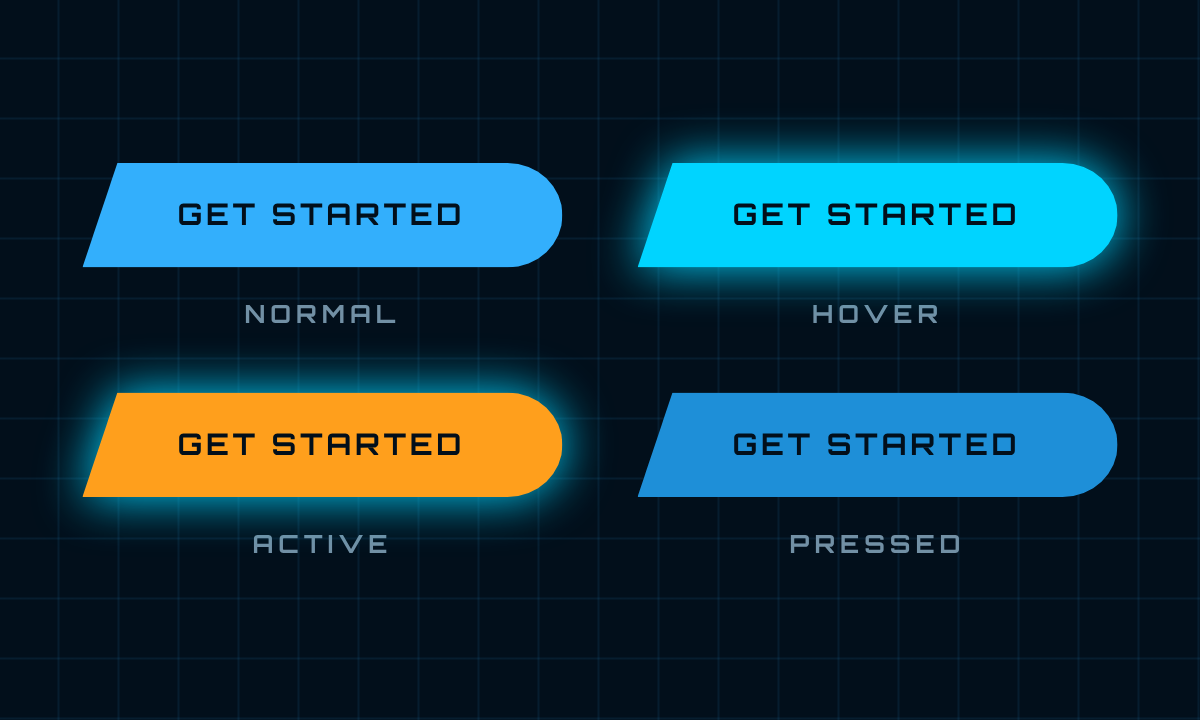
Five States
Normal, Hover, Focus, Pressed and Active, each with its own background, text and border colors. Active can follow the current page.
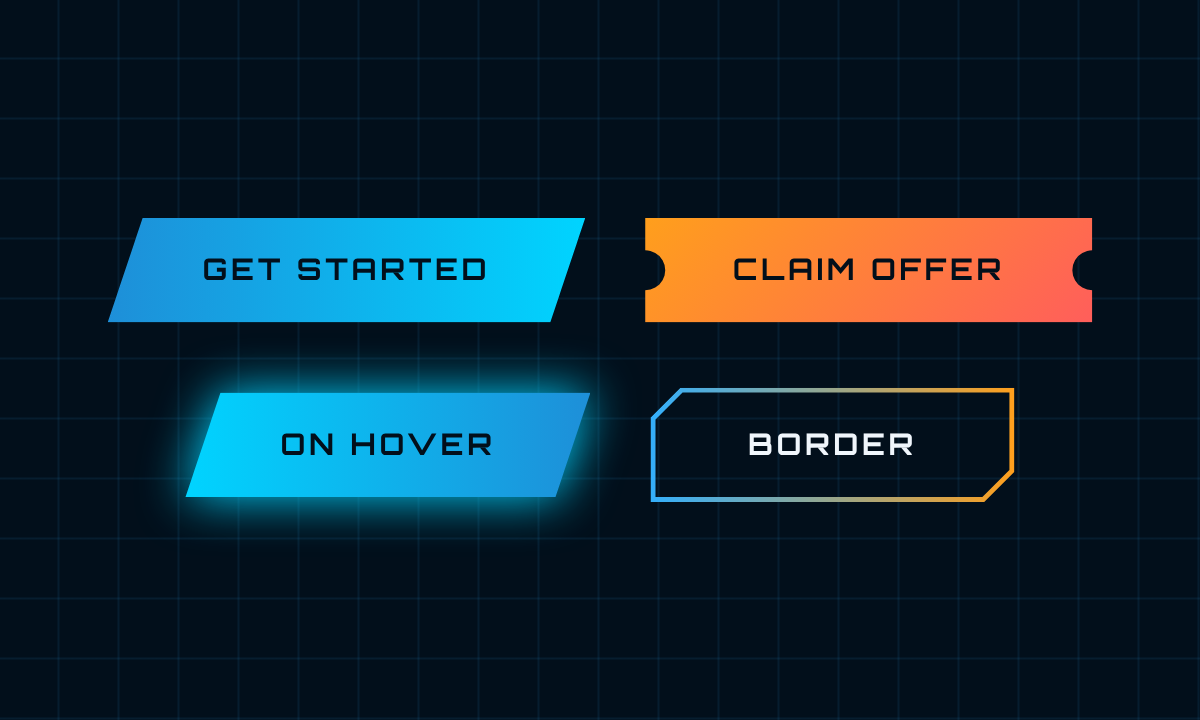
Gradients That Fade
Gradient fills and borders in every state. Colors and gradients fade smoothly from one state to the next.
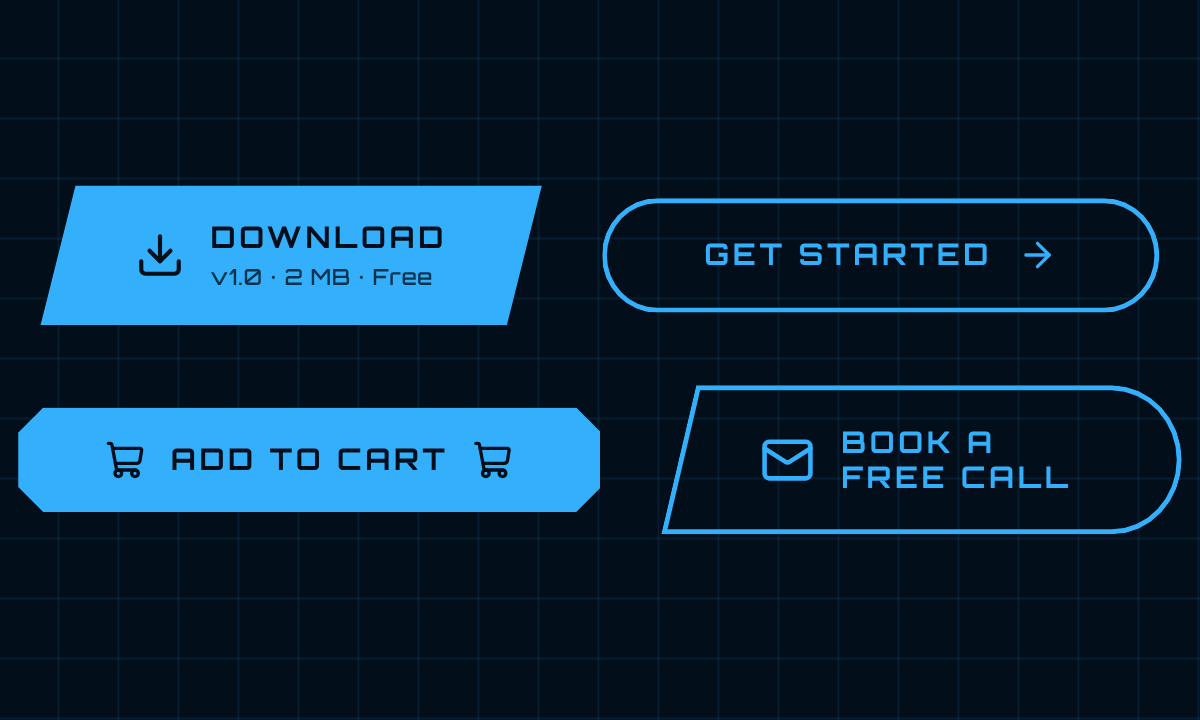
Icons & Second Line
Icons on the left, right or both from Font Awesome Free and Lucide, plus a smaller second line under the title.
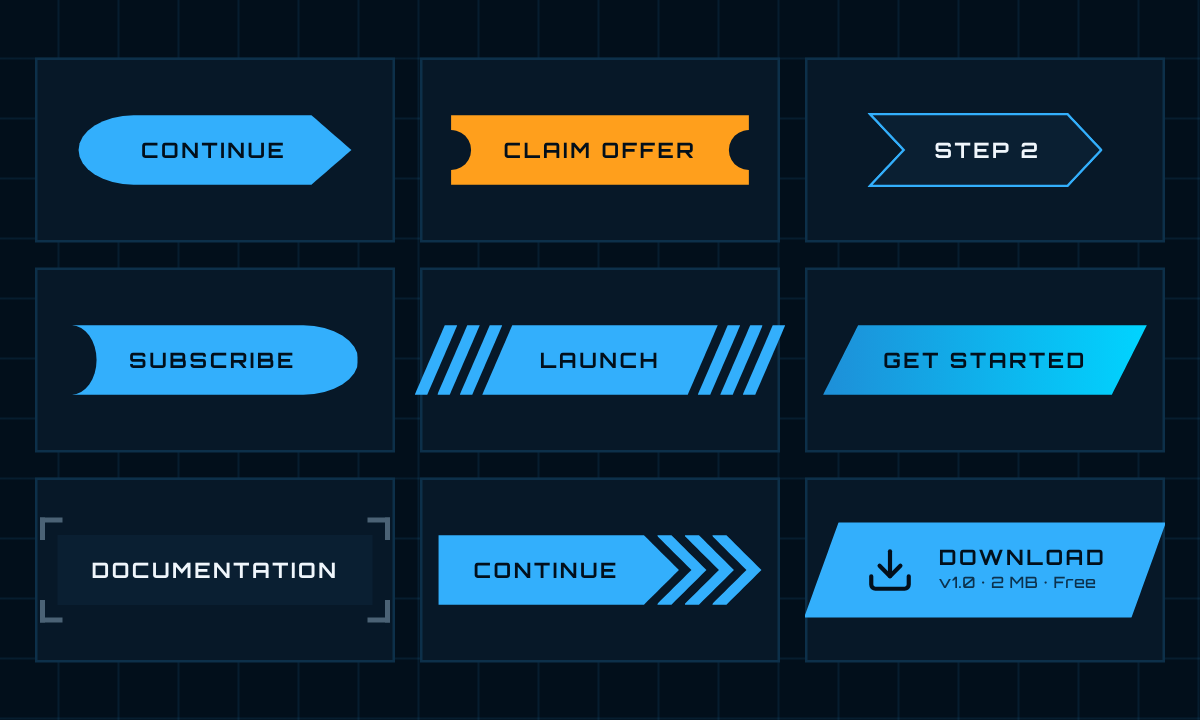
Designer & Examples
Every setting in one popup with a live preview of each state and screen size. Start from a ready-made example in one click.
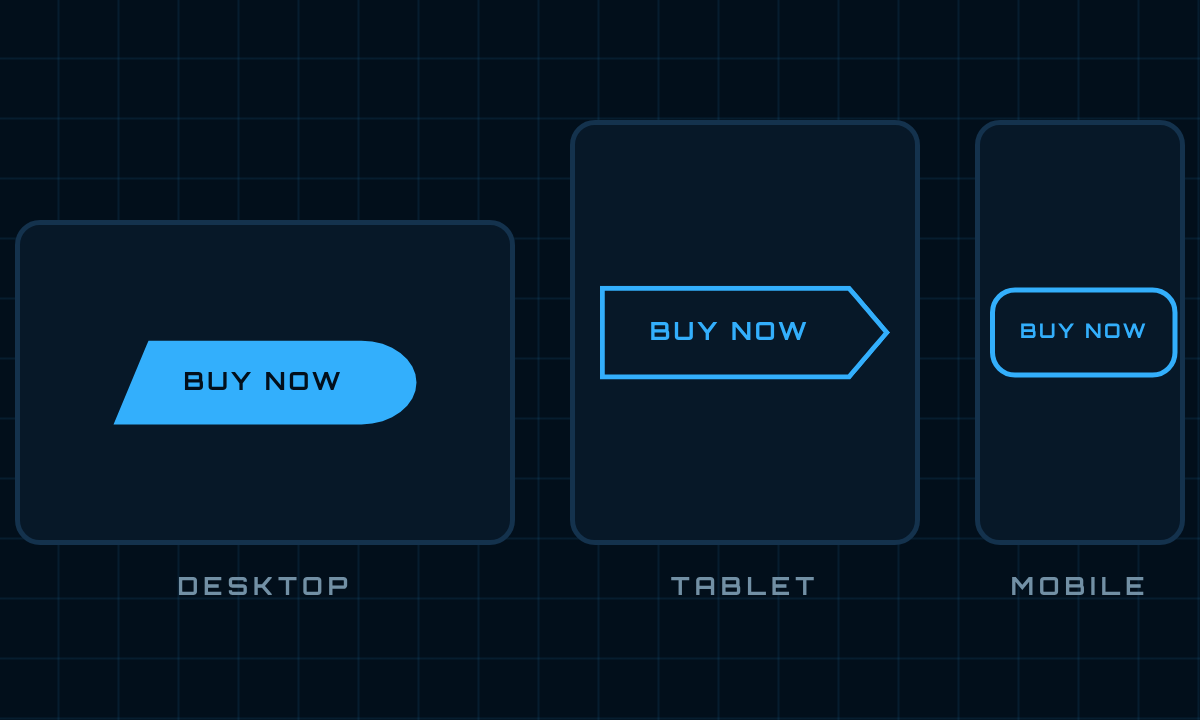
Per Screen Size
Colors, borders and edge shapes for desktop, tablet and mobile, plus Visibility toggles to hide any block on any screen.
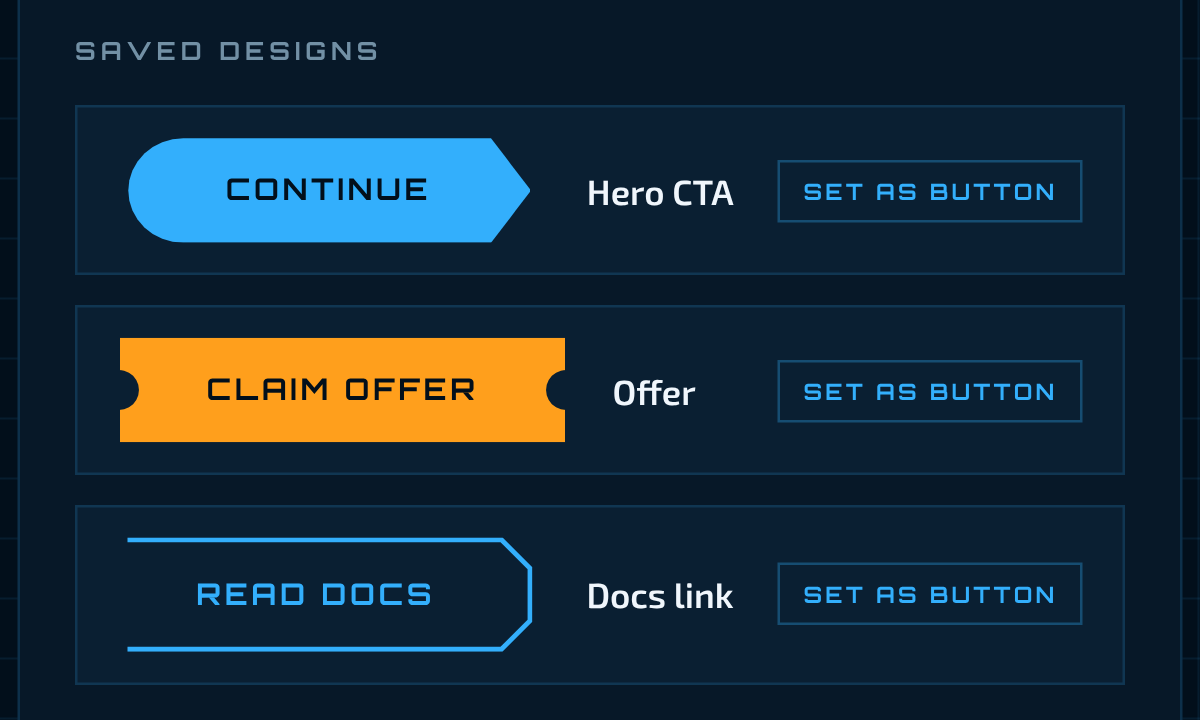
Saved Designs
Save a design and put it on any other button with one click. The free version keeps 3.
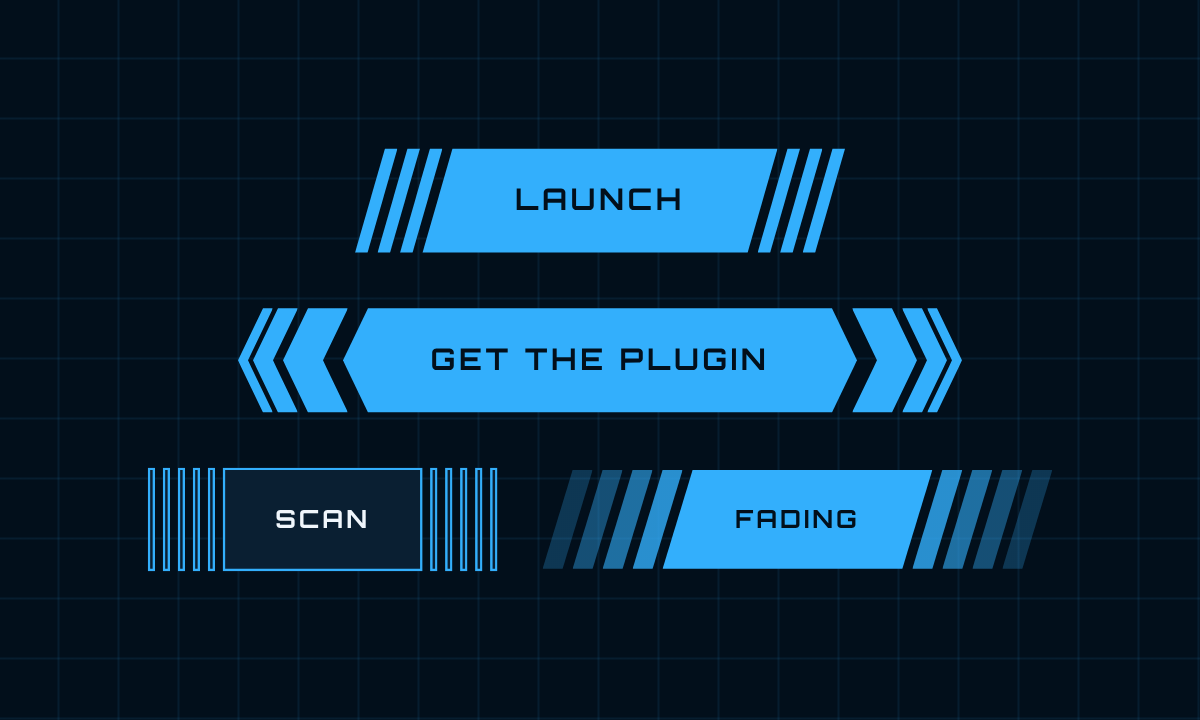
Edge Slices
PRO
Extra pieces beside the button that follow its edge. Even or halving widths, gap shapes, and gaps that open or close on hover.
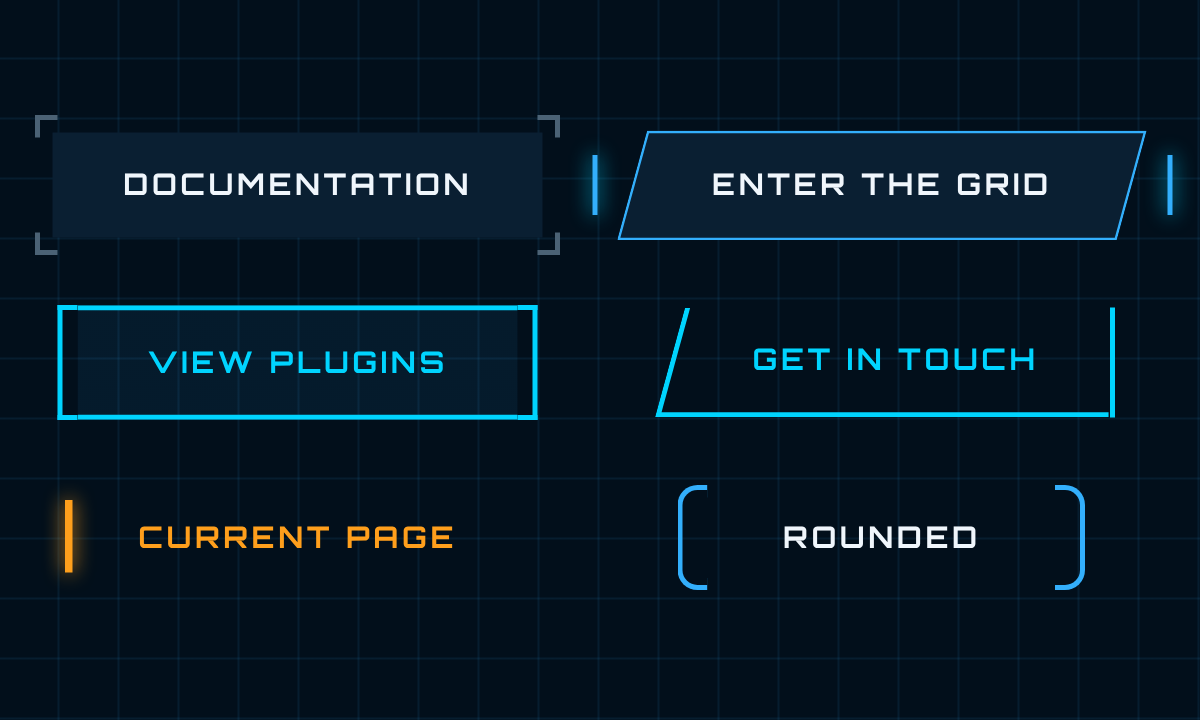
Edge Accents
PRO
Side lines, brackets and corner marks, shown always, on hover or when Active. They grow, fade or slide in.
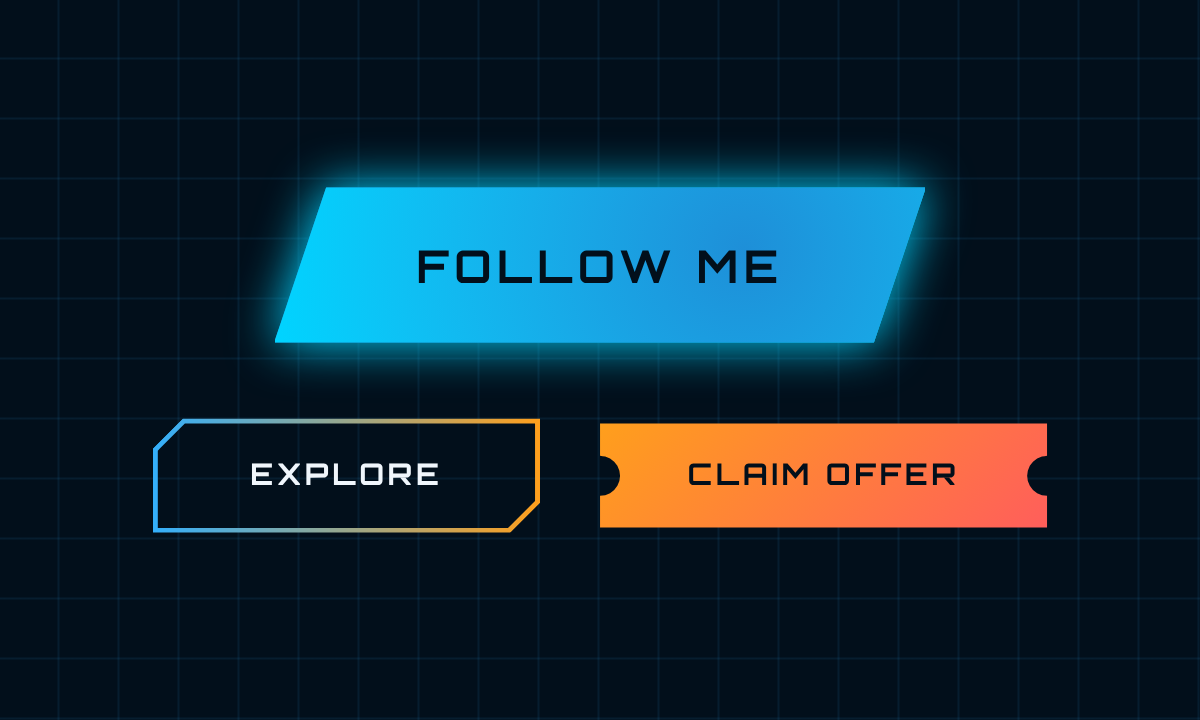
Glow & Follow the Mouse
PRO
A glow for each state, and gradients that center on the pointer as it moves across the button.
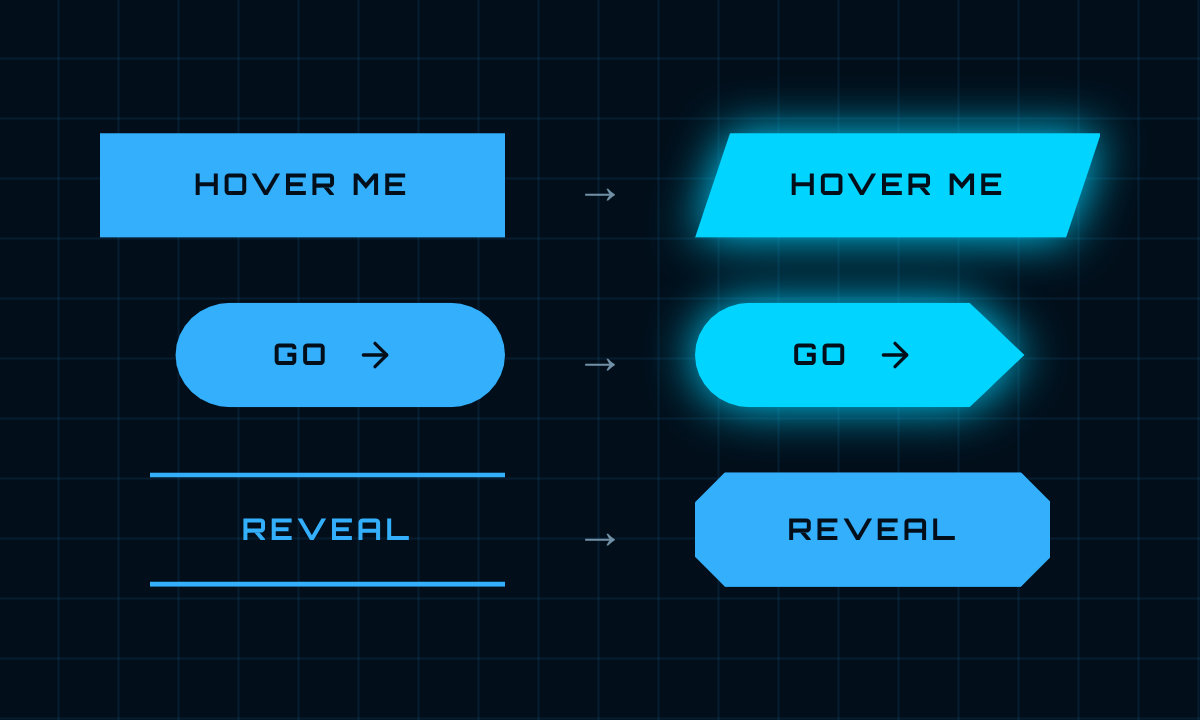
Shape on Hover
PRO
Any edge can change to another shape on hover or when Active, and it morphs smoothly between them.
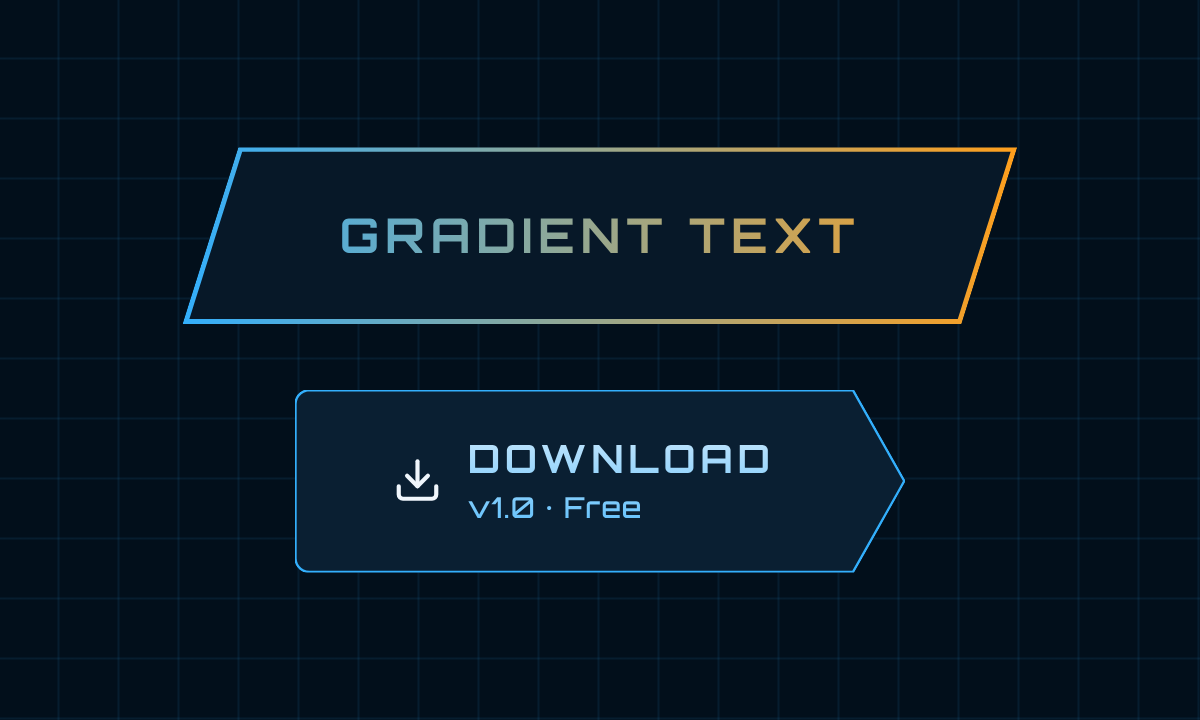
Gradient Text
PRO
Gradient text in any state that fades between states like fills and borders. The title and second line share it.
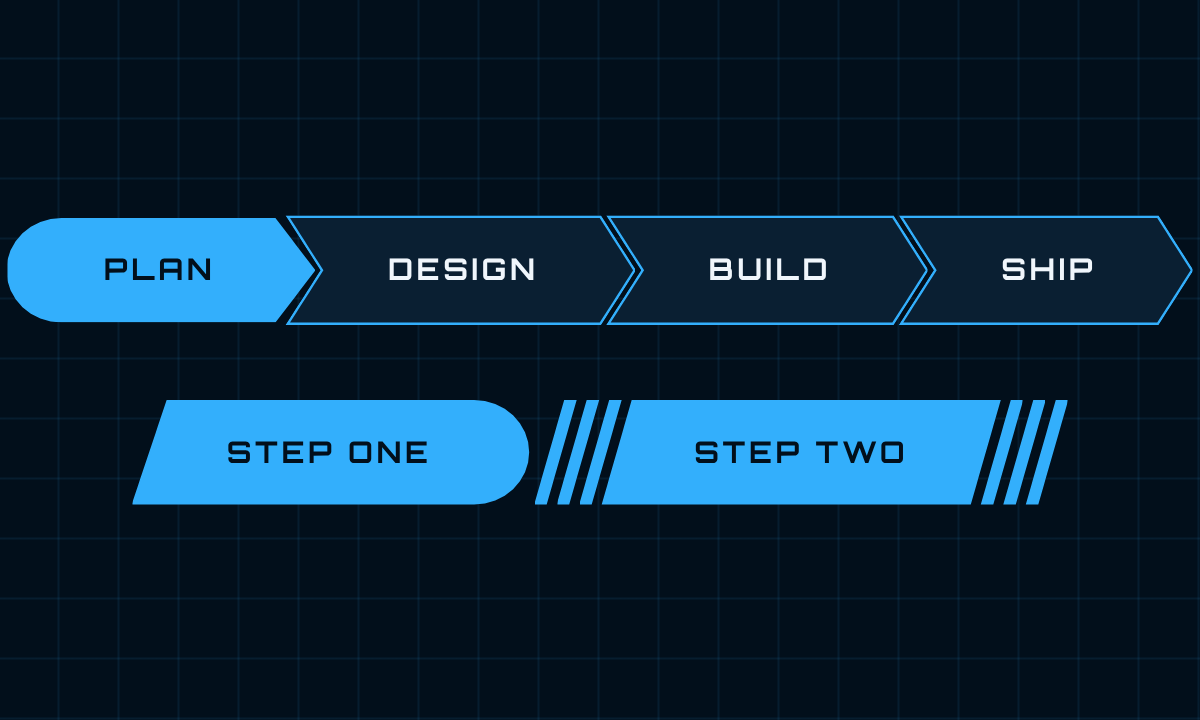
Interlock
PRO
Buttons in a group tuck into each other when their edges fit, like puzzle pieces. Works with slices too.
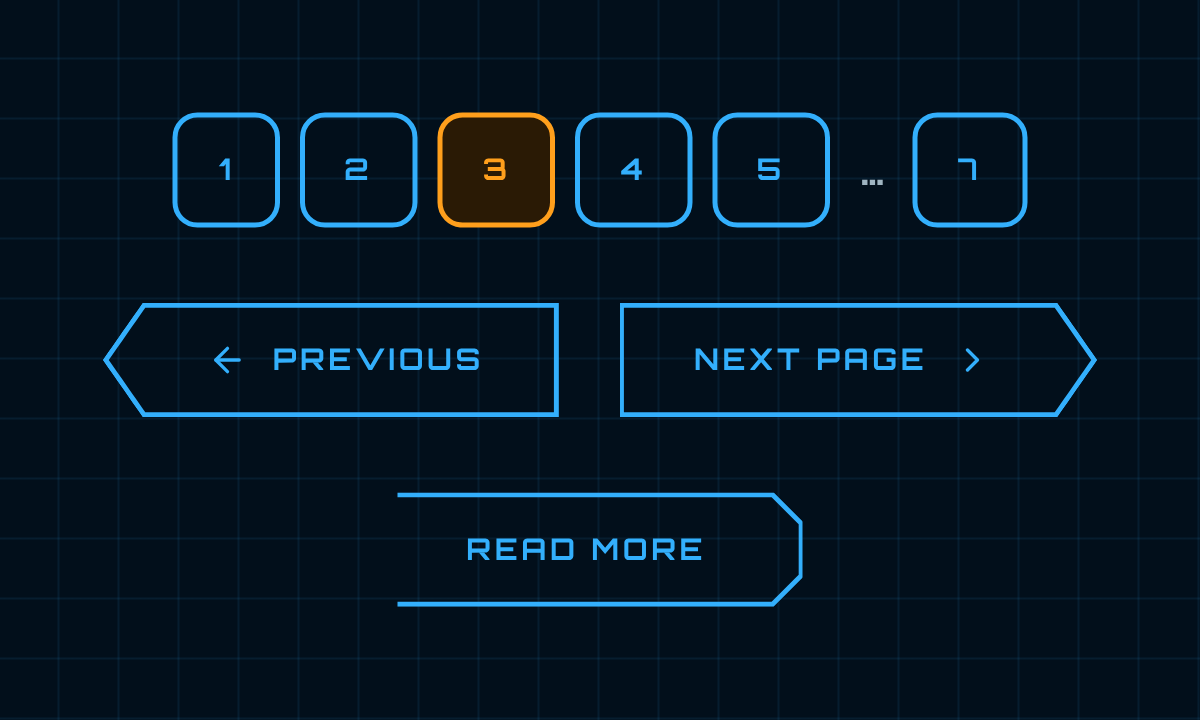
Read More & Pagination
PRO
Read More, Previous, Next and the page numbers get the full Designer. The current page shows as Active.
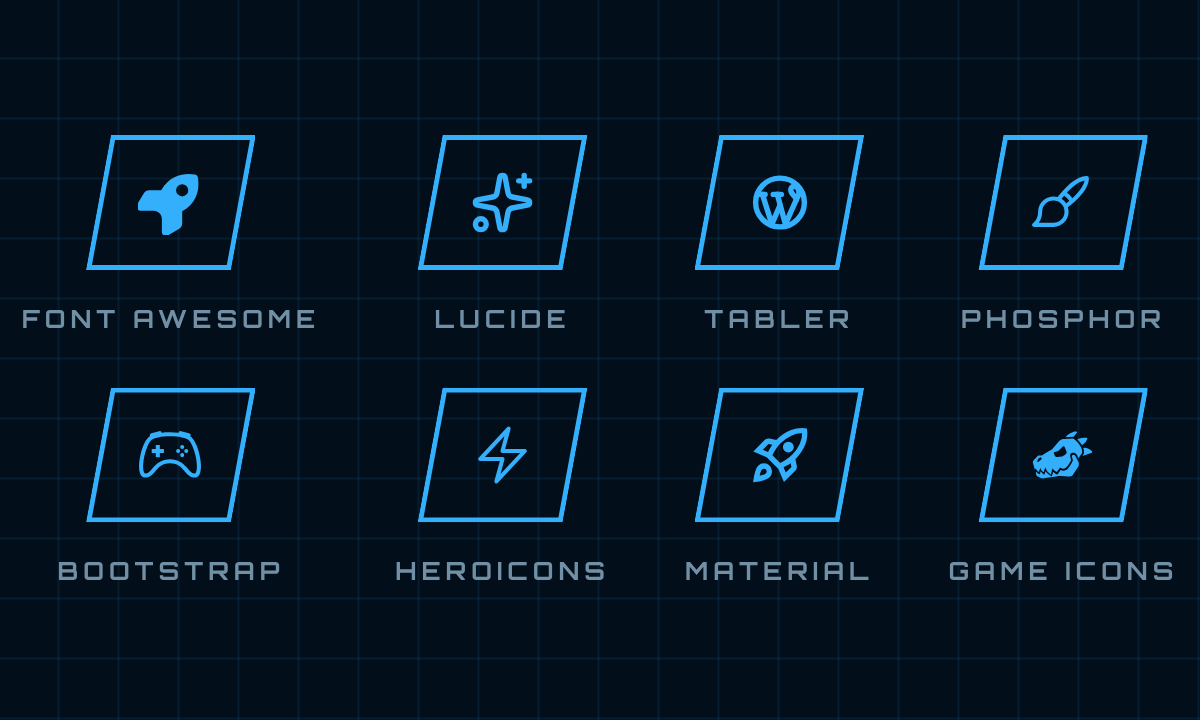
Every Icon Library
PRO
Adds Tabler, Phosphor, Bootstrap, Heroicons, Material Symbols and Game Icons with filled and bold styles, icon only, and images in buttons.
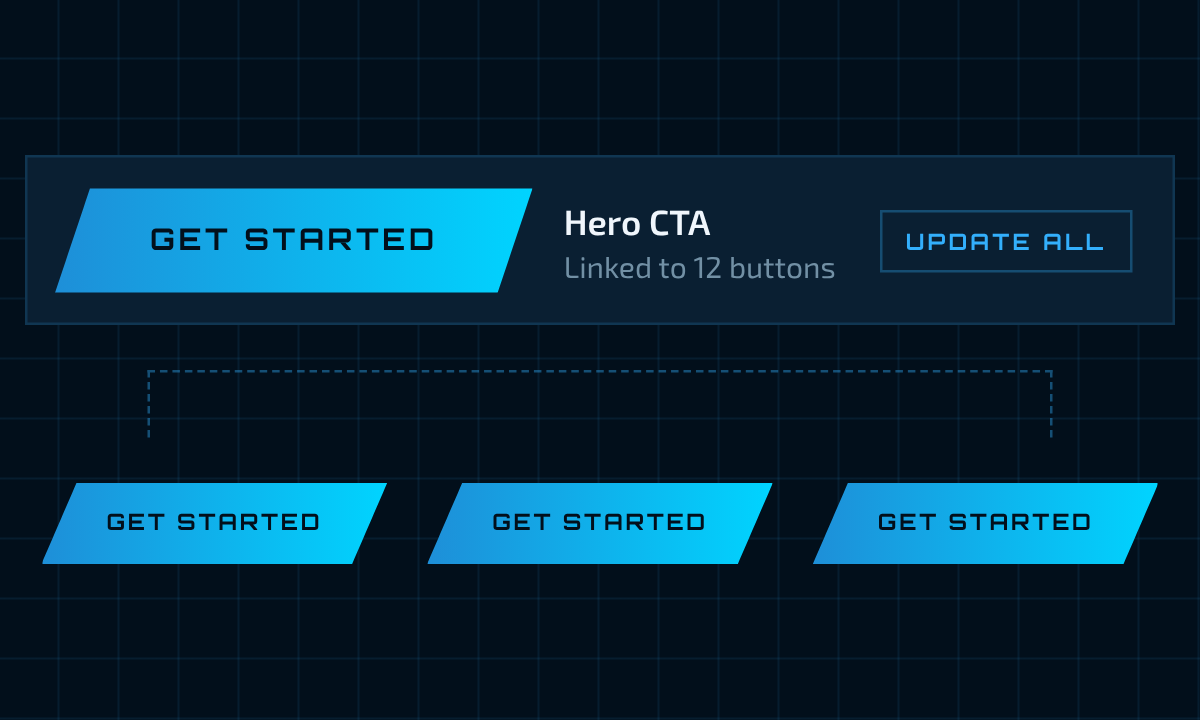
Linked Designs
PRO
Unlimited saved designs. Keep buttons linked, update the design and every linked button changes. Export and import between sites.
Why this exists
Buttons are the last thing that still looks default
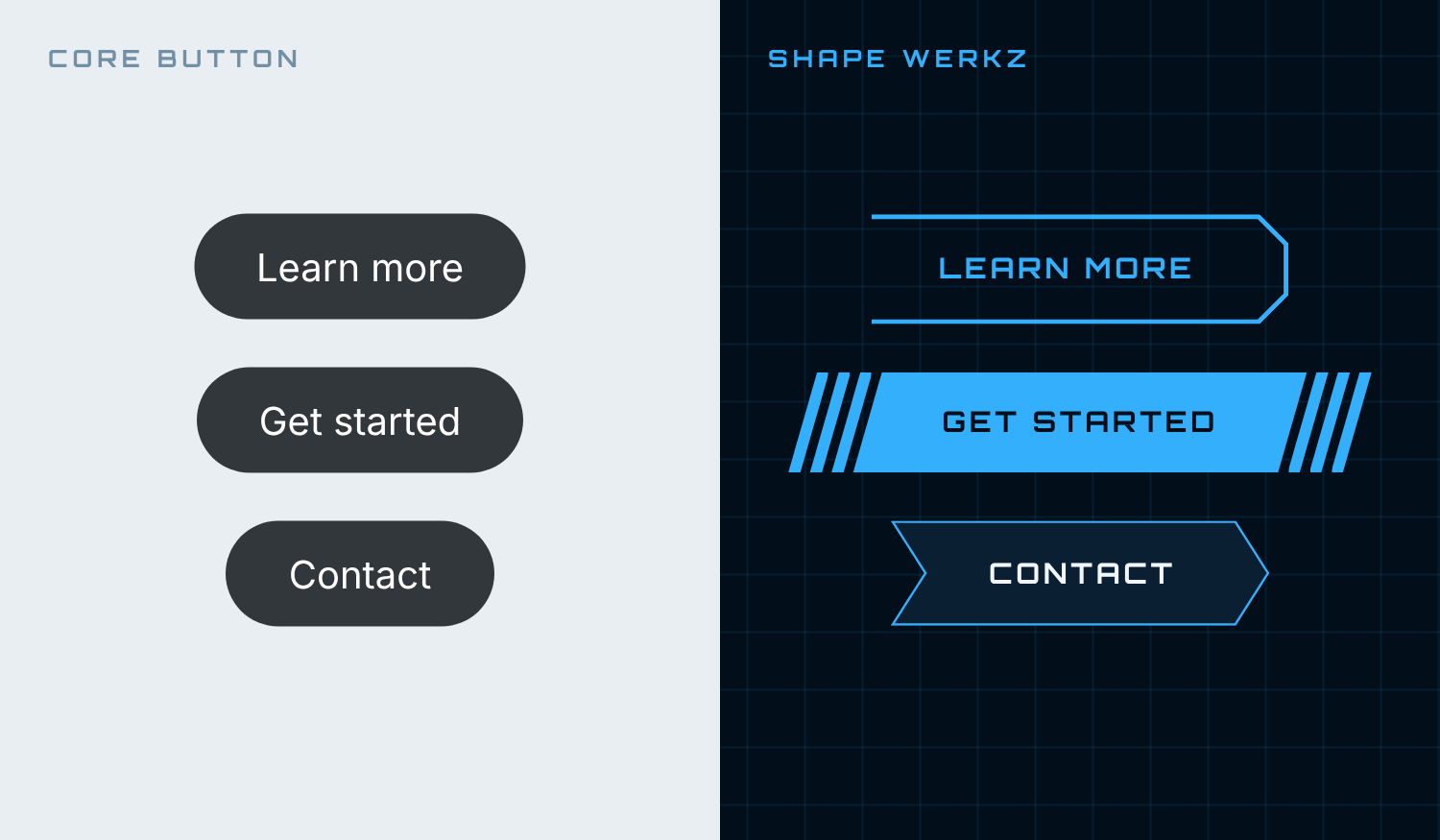
The block editor gives you a rounded box and a color. We wanted angled, sci-fi buttons for our own sites without custom CSS on every page, so we built them into the Button block. Now every button can have its own shape and still be a normal button underneath.
Pricing
Simple, honest pricing
Start free. Upgrade when you need the full toolkit.
Free
FREE
Forever Free · WordPress.org
Upgrade to Pro at Any Time
- All 16 edge shapes with borders that follow
- Five states with colors and gradients that fade
- Icons from Font Awesome Free and Lucide
- Second line under the title
- Colors and shapes per screen size
- Visibility toggles for any block
- 3 saved designs
PRO
$49.99
/yr
Annual License · 1 Site · Updates Included
Multi-Site Options Available at Checkout
- Everything in Free
- Edge slices and edge accents
- Glow and follow the mouse
- Shape on hover and gradient text
- Interlock for button groups
- Read More and pagination buttons
- Every icon library and images in buttons
- Unlimited linked designs, export and import
FAQ
Common questions
Does it work with my theme?
Yes. It works on the core Button block in any theme that uses the block editor. Your theme’s button colors are the starting point.
Do I need a page builder?
No. Shape Werkz adds a Designer to the blocks you already use. No new blocks and no builder.
What if I turn it off?
Your buttons stay normal Button blocks with their colors and hover colors. Only the shapes and extras go away.
Is the free version really free?
Yes. All 16 shapes, every state, gradients, icons and the Designer are free. Pro adds slices, accents, effects and more.
Will it slow my site down?
No icon fonts and no CDNs. Icons are saved on the page as small inline SVGs, and the shapes are plain CSS.
Can I use Pro on more than one site?
Yes. Pick 1 site, 5 sites or unlimited sites at checkout. Moving a license to another site takes one click.
Ready to shape your buttons?
Start free today. Upgrade to Pro when you’re ready for the full toolkit.